

 WELCOME TO FREE TECH
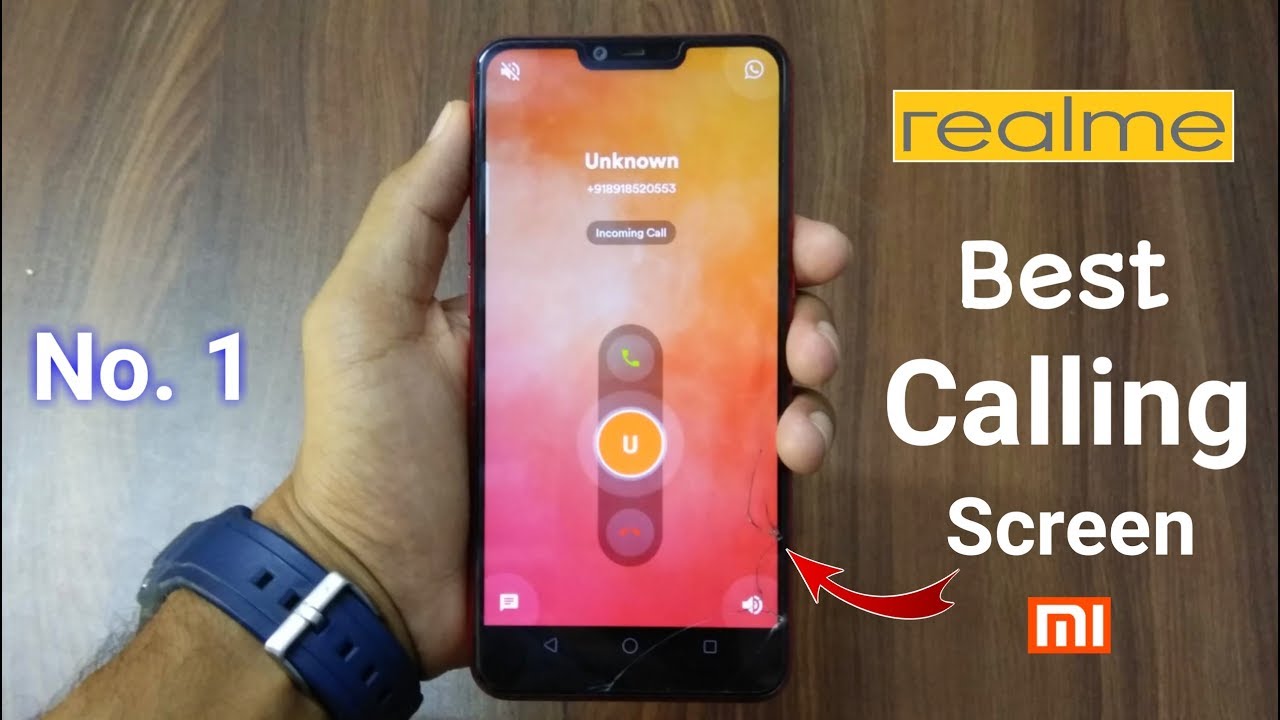
 Hey guys in this video i saw you how to change your android incoming and call screen and it's give a awesome look to your device. You can set this in any realme and xiaomi devices.
App Link-
How to Enable Best Calling Screen For any Realme & Xiaomi Devices.
|| SUBSCRIBE ❤️ AND ❤️SUPPORT US ||
Smartphones Under ₹10,000 👇
Redmi Y2 -
Honor 7C -
Moto E5 Plus-
Oppo A3S -
InFocus Vision 3 Pro-
Redmi 6A-
---------------+++++++++++-----------------------
My Gears :- 👇
My Mic -
My Tripod -
My Laptop -
My Green Screen-
And Also Check This Videos - 👇
RealMe 2 (Diamond Red) Unboxing -
RealMe 2 Hidden Features-
RealMe 2 & Pro Hidden Features-
Theme Store in RealMe -
Oppo A71K Unboxing-
RealMe Pattern Lock -
Track: Besomorph & Coopex - Redemption (ft. Riell)
[NCS Release]
Music provided by NoCopyrightSounds.
Watch:
Free Download/Stream:
/RedemptionYO
Business Query- heartbreak285@gmail.com
Thanks For Watching.


0 Comments